
Why do people miss what the city announces? City news in the app they already open every day
A city puts out notices, events and sport results every week, and many citizens never see them. Here is how a city puts its news in one list, with a breaking notice on top, where people already look.
Tomislav Krnic
Founder of the smart city project CityX · 3 min read
A city has something to say every week: a notice for residents, an event at the weekend, the end of a local league, news for pupils and students. It goes on the city's website and on social media. Most people do not look. They hear about it from a neighbour a week later, or not at all.
The city does not say too little. It says it where people are not looking.
One list, with what matters on top
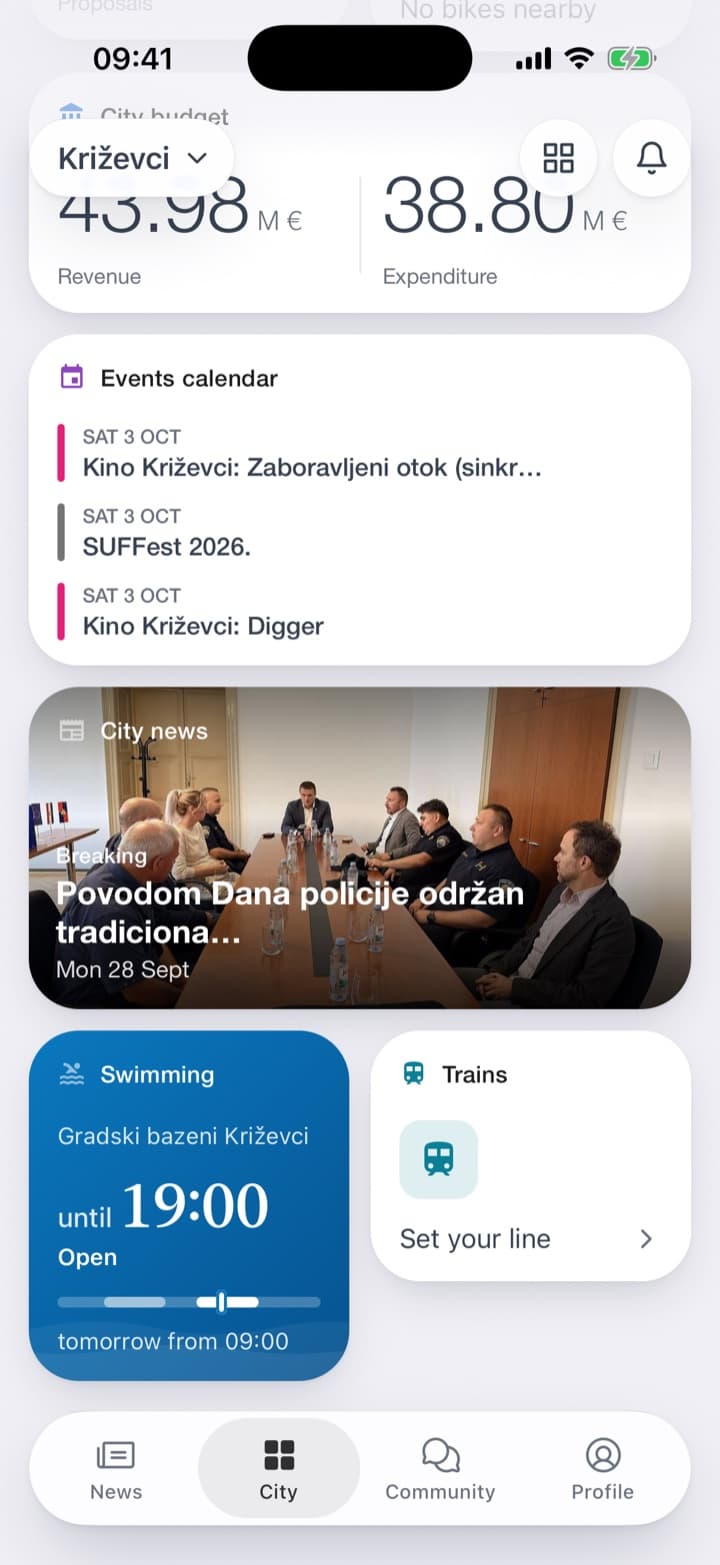
The City news service in the CityX app puts the city's news on the home screen and on its own tab. A city can make News the first tab: whoever opens the app then sees the news before anything else.
The tile on the home screen shows the newest article with its photo. When the city marks a notice as breaking, the tile says so, and in the list the notice stands on top in red, with the date until which it stays there. Below it comes the lead article with a large photo, then the rest.
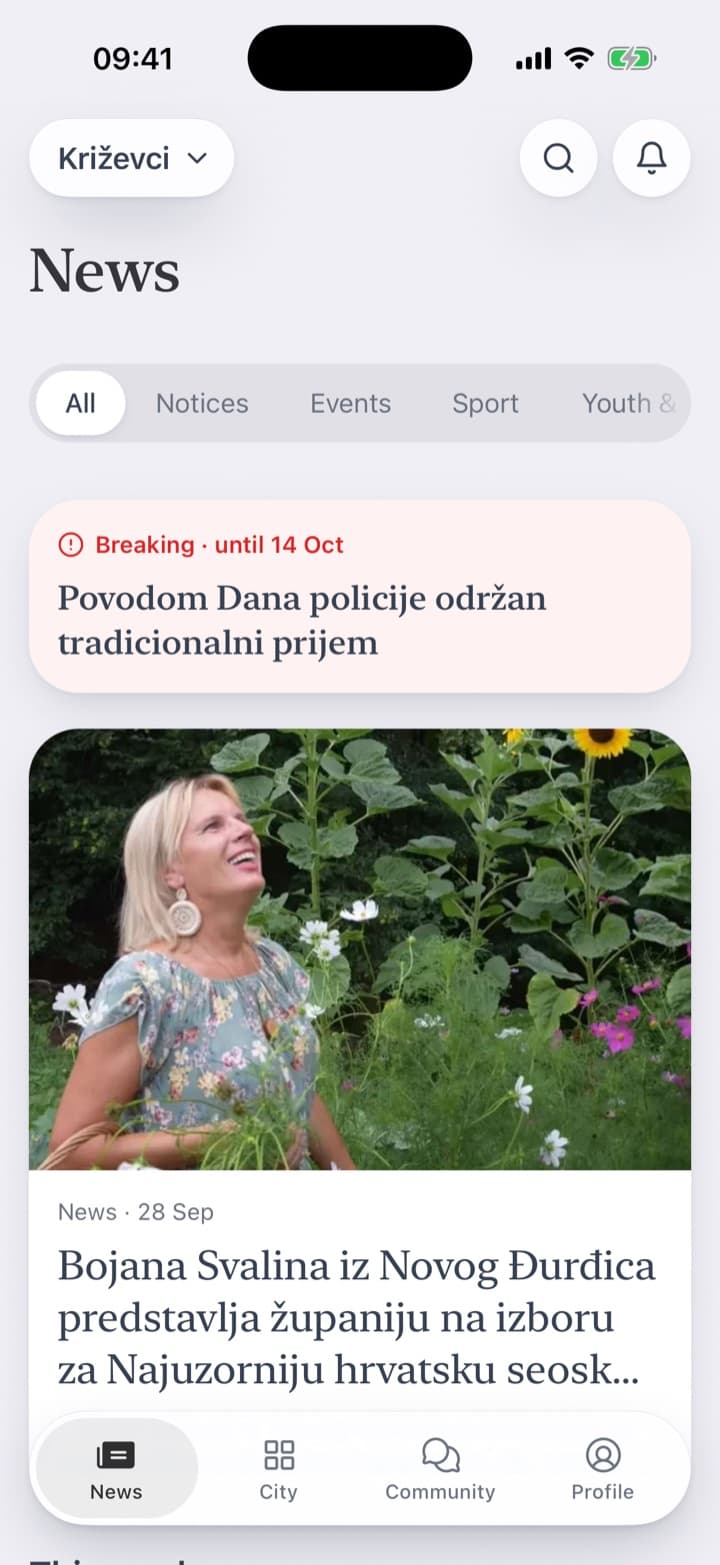
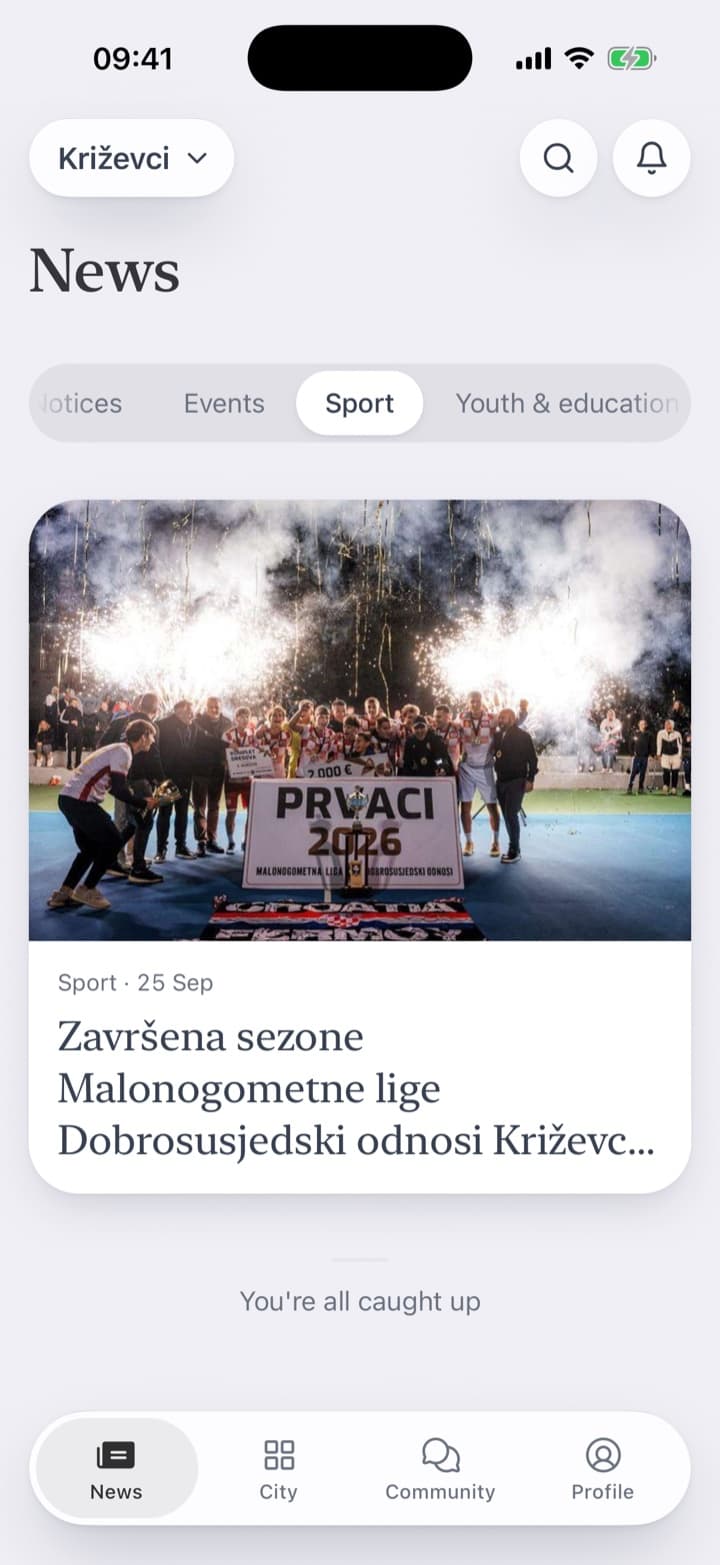
Chips under the title split the list into what people follow: Notices, Events, Sport, Youth & education. Someone who cares only about the local league taps Sport and sees only that.
Whoever follows the service picks the topics they care about, and the phone tells them when something new appears in one of them.
Read to the end, and talk about it
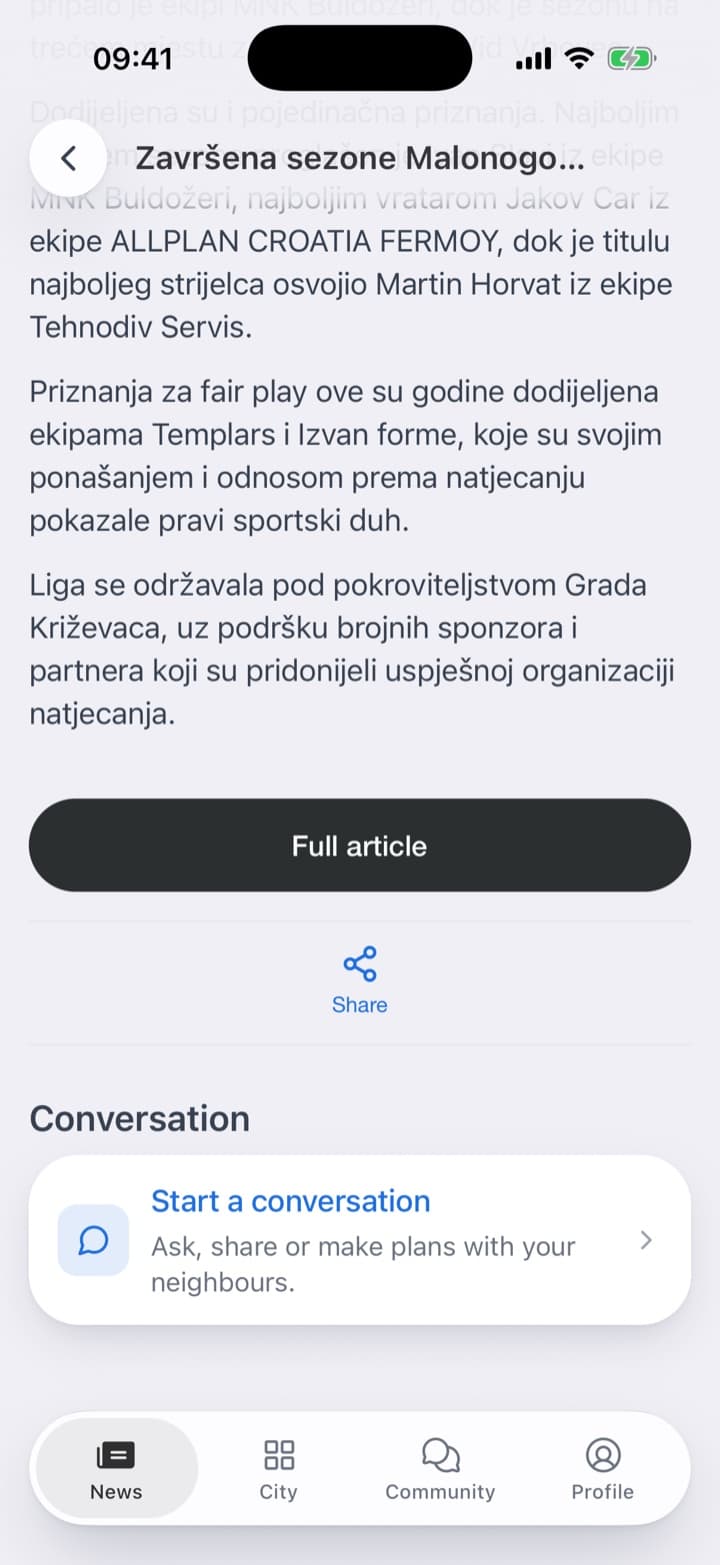
A tap opens the article itself: the photo, the category, the title, who wrote it and how long it takes to read. The whole text is there, as the city wrote it, without leaving the app.
Under every article there is a place to start a conversation with the neighbours: to ask, to share, to make plans. A notice about roadworks becomes the place where the street works out how to get round them.

What it takes
Someone at the city who already writes its news, and a simple web page to post it from, with a photo and a category.
What the city decides is editorial, not technical: what counts as breaking and for how long, which groups its news falls into, and whether News is the first thing people see when they open the app.
A citizen does not go looking for the city's news. The city that brings it to where they already are is the city that gets heard.